
Updating the Manufacturer table
From the side navigation, select Tables > Manufacturer. Click on Properties to open the side dialog, and then expand the Advanced options link.
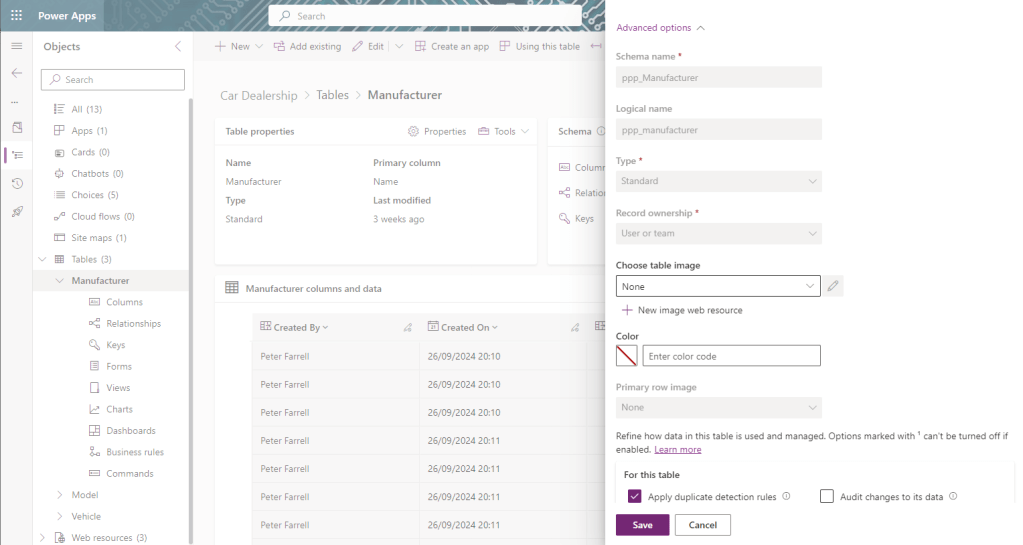
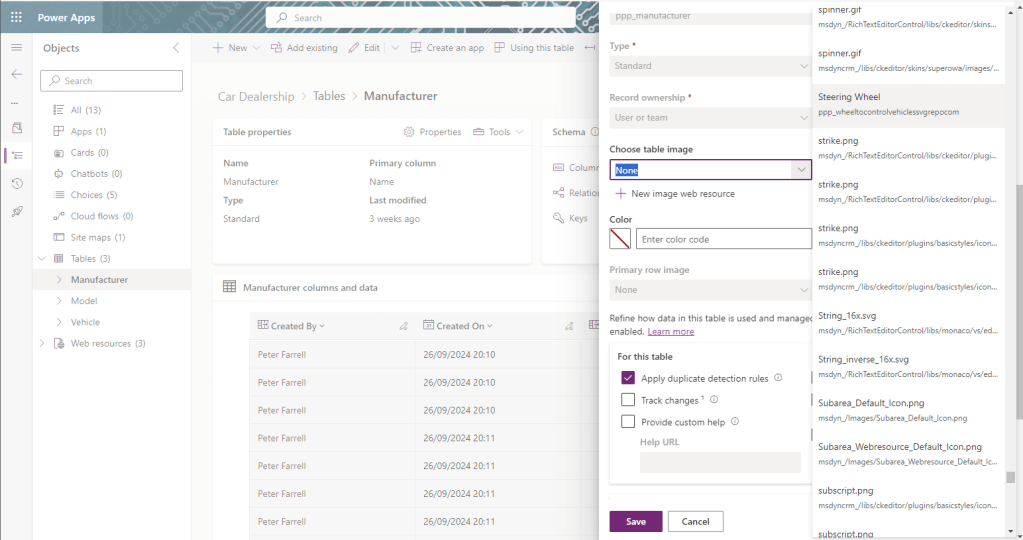
Click on the dropdown control underneath Choose table image. Doing so will open another side dialog where all available icons in the environment are displayed. I wish to use my Steering Wheel icon, so I select it before clicking the Save button.
Refresh the page and observe how the table icon has changed from the grid to our chosen icon.

Repeat the process for our other tables, then we’ll look at out app itself.


Leave a Reply