
The Vehicle Pages
Click Vehicles from the side navigation to display the empty Active Vehicles view. Let’s click the + New button in the ribbon to add our first Vehicle.
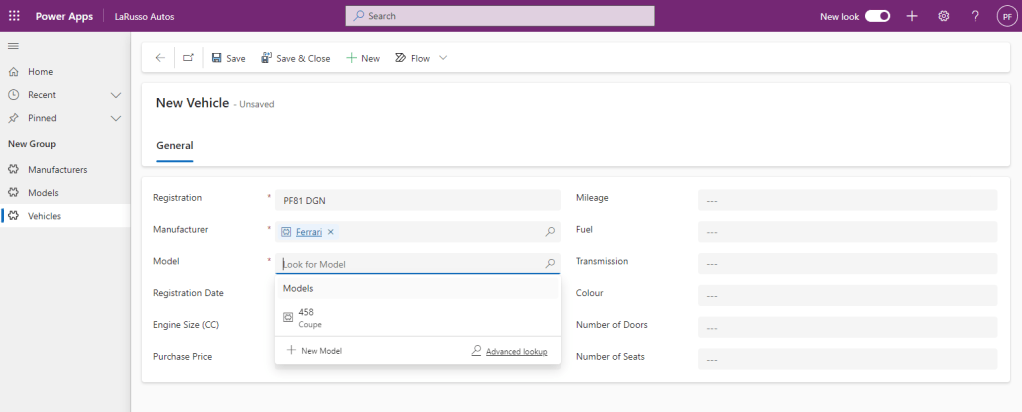
Our Primary Column here is the Vehicle Registration. I’ve selected the Manufacturer as Ferrari – note that when I select the Model field, only Ferrari Models are displayed – this is because we have configured the Manufacturer and Model fields to be related in the previous post.
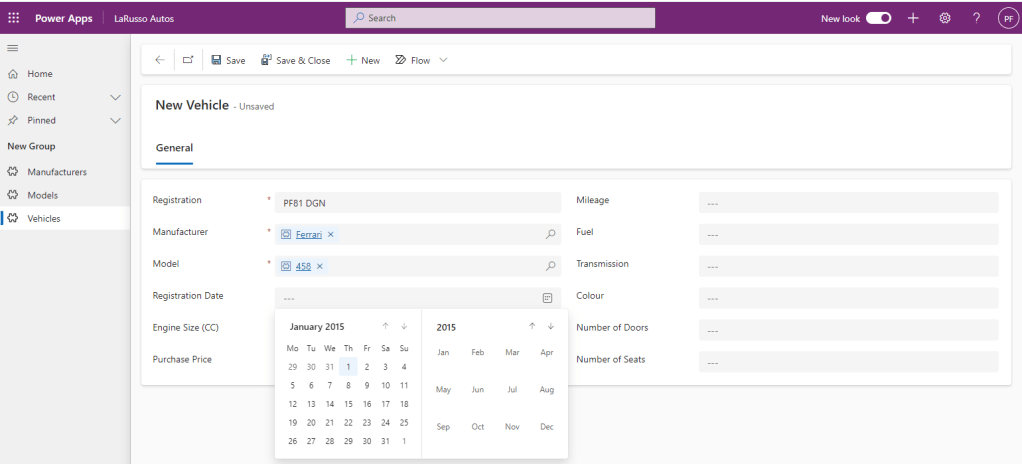
Next I want to enter the Registration Date – note the datepicker control that is shown – this is out of the box functionality for model-driven apps. Such tooling for custom webpages would require bespoke coding.
I will complete this form for my Ferrari 458 thus.
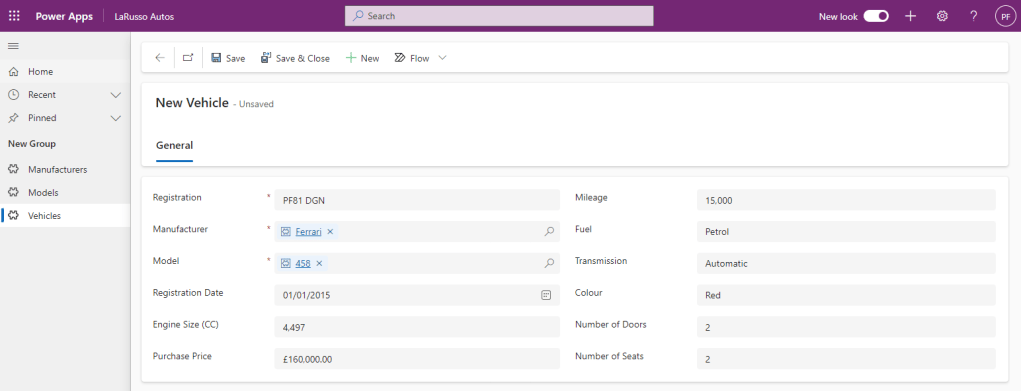
I click Save & Close to add the record. Congratulations, we have our first Vehicle in the showroom!
 Power Platform Pete
Leave a comment