
The Model Pages
Click Models from the side navigation to display the empty Active Models view. Let’s click the + New button in the ribbon to add our first Model.
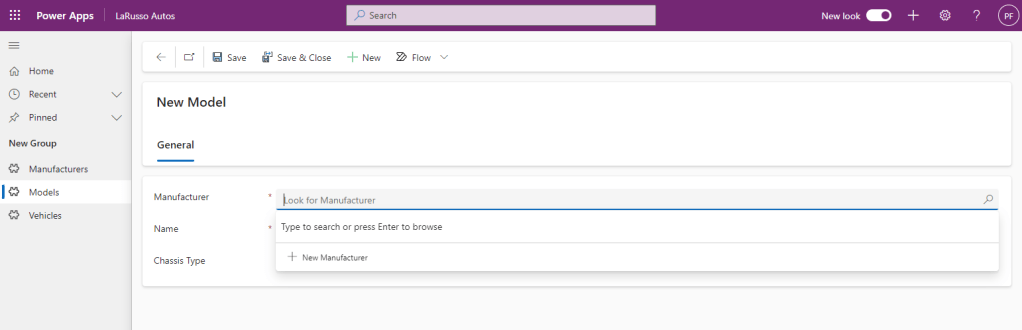
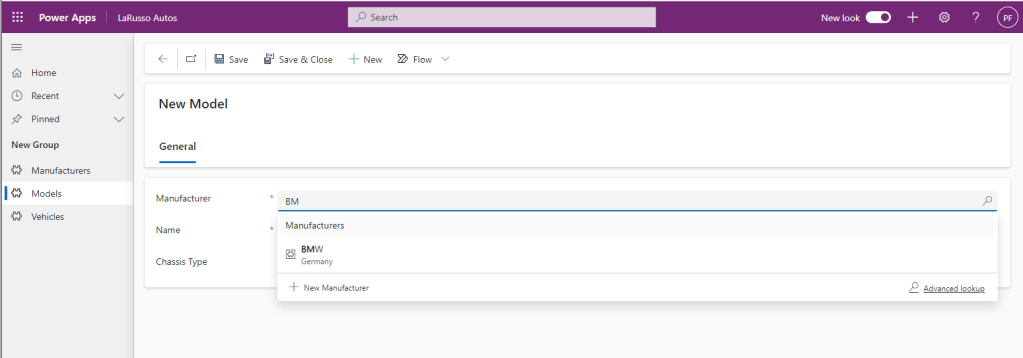
When creating a new Model, we must specify the Manufacturer. We have a few options to complete this field. Firstly, there is type ahead functionality – if I type “BM”, the app will prompt with “BMW”.
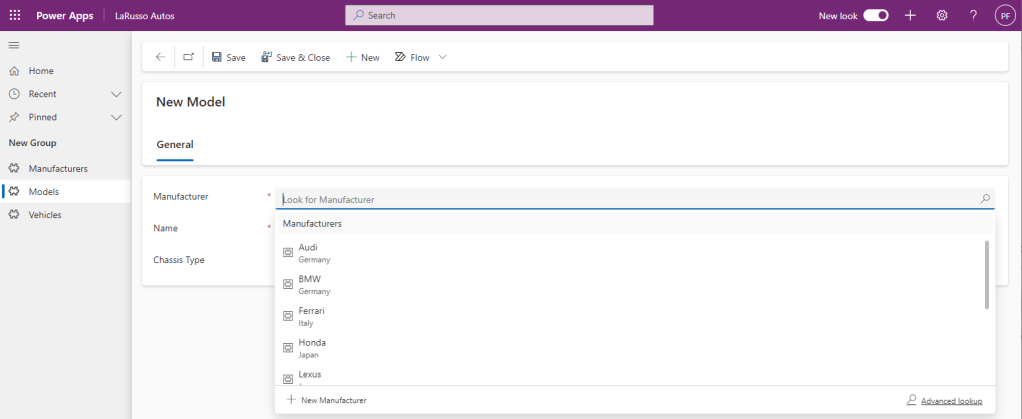
If we do not type in this field and instead hit the Enter key, we are prompted with the full list of Manufacturers.
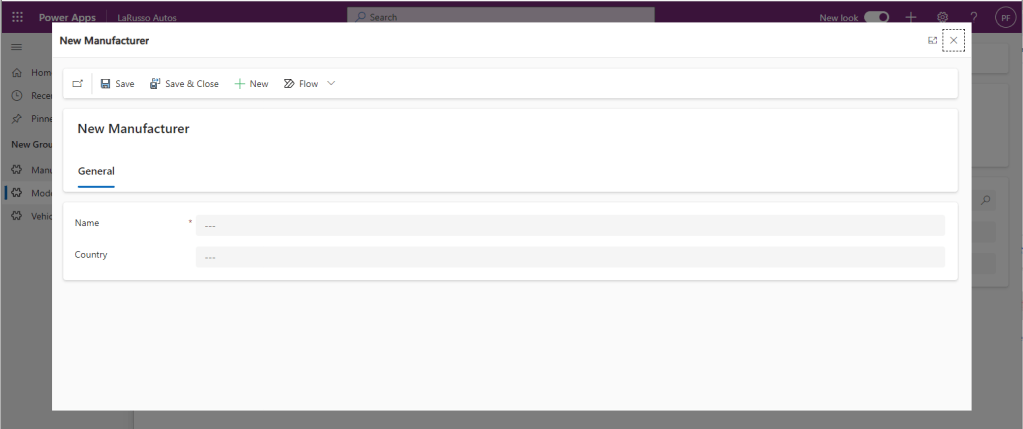
If we click + New Manufacturer, that form will open in a modal dialog.
If we click Advanced Lookup, the full list of Manufacturers will appear in a modal dialog.
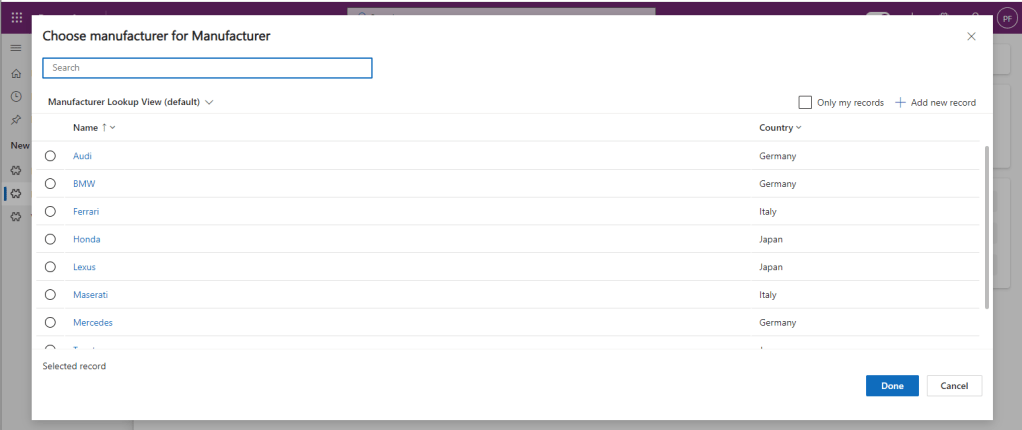
Again, this is the real power of model-driven apps. By the time we have configured our data model, forms and views, all of this functionality is instantly available. I’m going to complete this form by adding a BMW M5 Saloon.
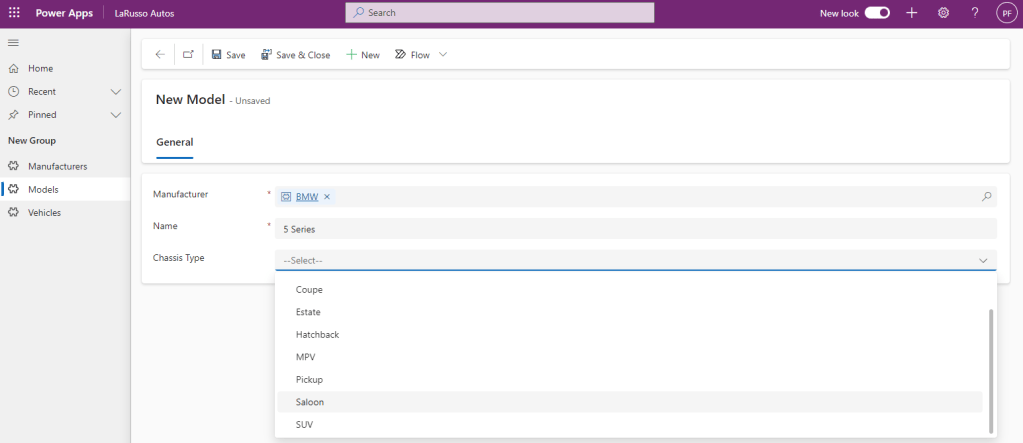
After clicking Save & Close, I will add several new Models, and my Active Models view will appear as follows.
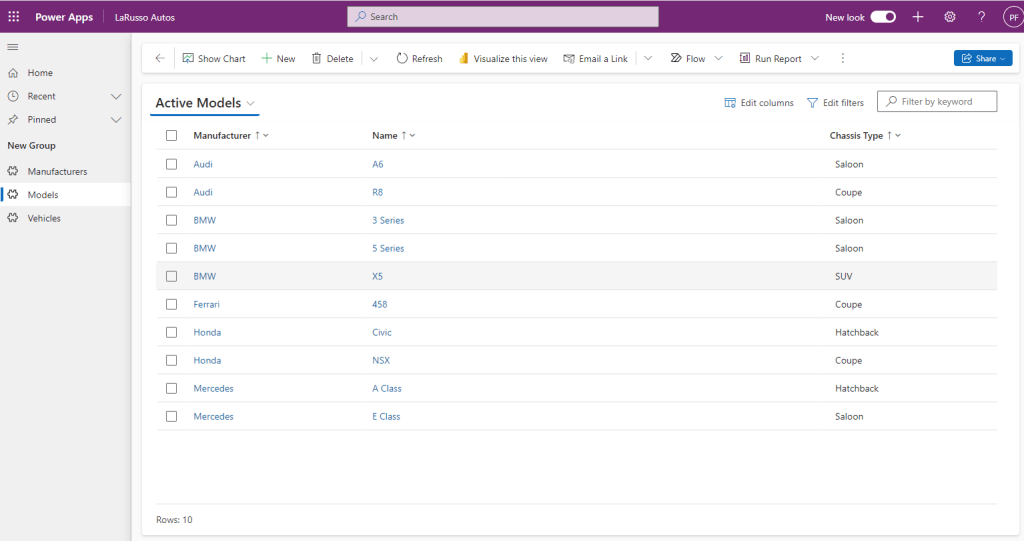
Now let’s add some Vehicles.
 Power Platform Pete
Leave a comment