
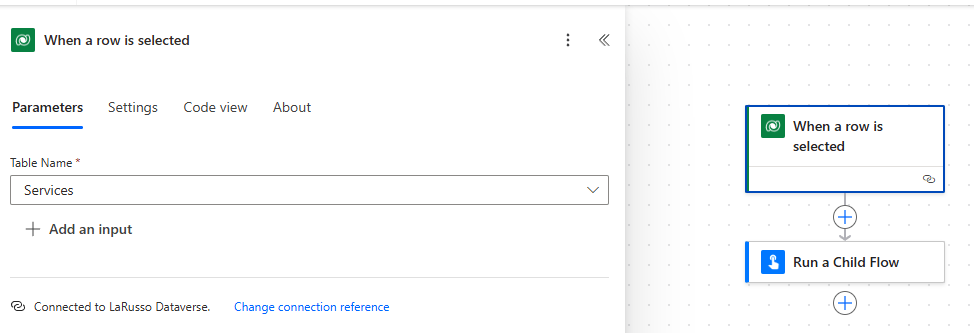
New we create our Request Service Document flow. This is an Instant flow that uses the Dataverse trigger When a row is selected. Set the Table Name to be Services as shown below:
Again, we add the Run a Child Flow Action, which we complete as follows:
- Child Flow – Generate Service Document
- ServiceID – Service (from the Trigger).
- Advanced parameters – select EmailInput
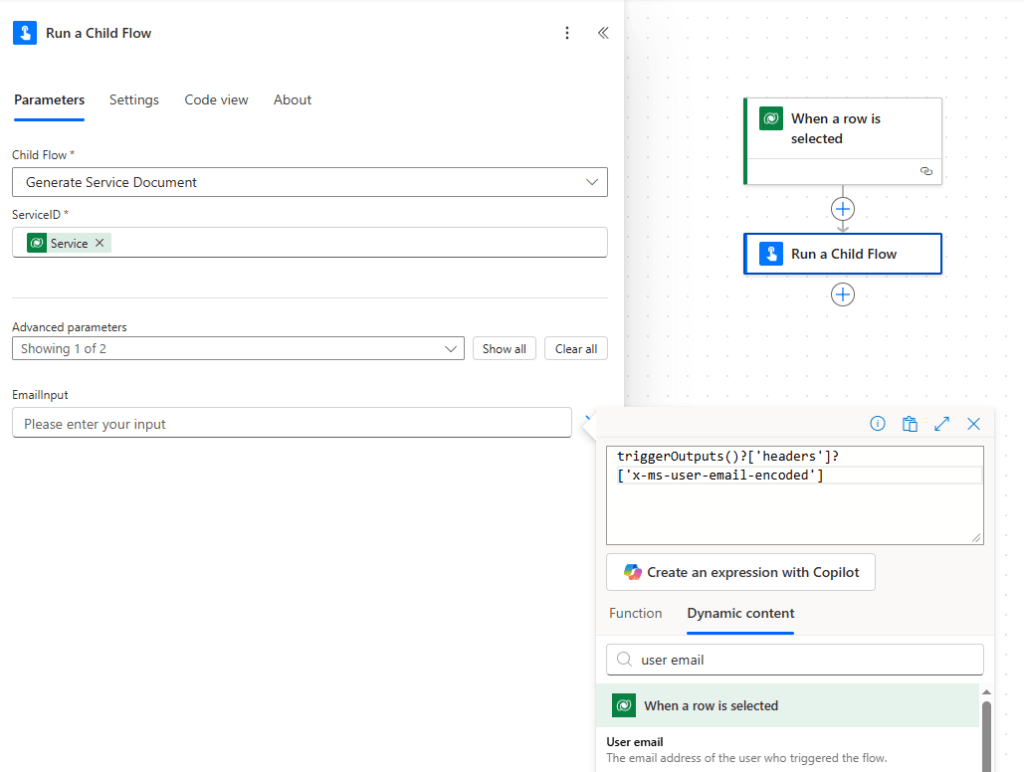
When completing EmailInput, open the fx view and select the User email property from the When a row is selected Trigger. Note that the value here is:
triggerOutputs()?['headers']?['x-ms-user-email-encoded']
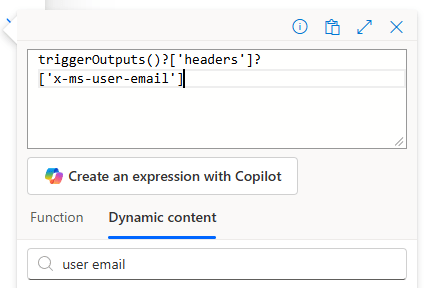
We do not want to use the encoded email string. Manually change this to:
triggerOutputs()?['headers']?['x-ms-user-email']
Click Save and Publish. Now when we run our LaRusso Autos app, we can run our Request Service Document flow from any Service Form as shown above, or directly from any Service View:
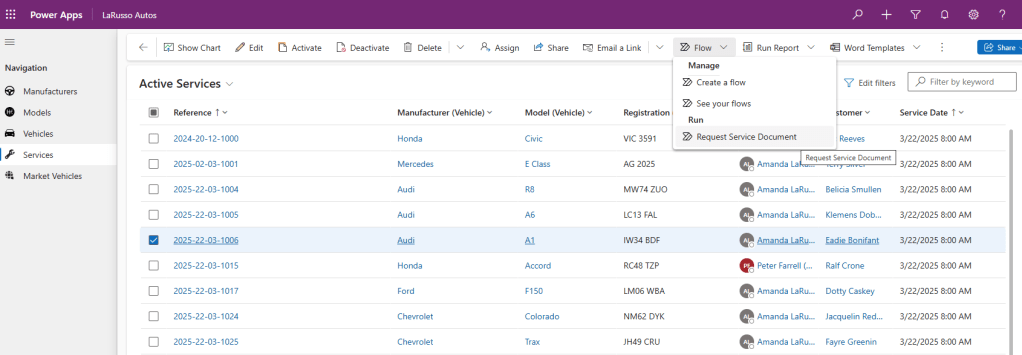
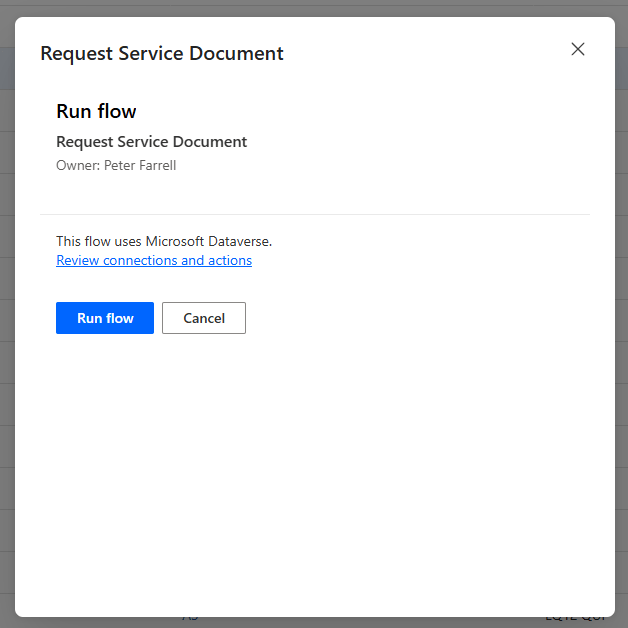
Clicking the flow will launch a flow run dialog – click Run flow to proceed. Admittedly, I don’t think this is a great user experience, but it’s useful to be able to call Instant flows of this kind directly from our model-driven app.
 Power Platform Pete
Leave a comment