
Working with Currency Rollups
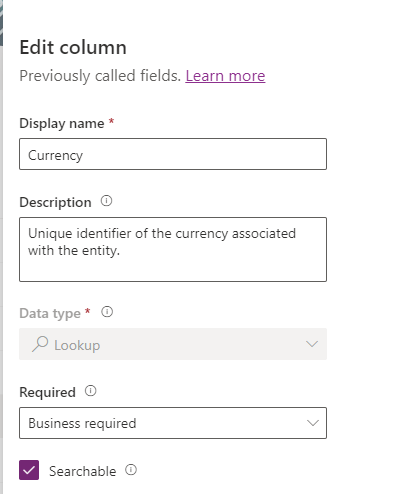
For Currency Rollups to work, we must set the Currency for both the Vehicle and Manufacturer tables. The Currency column is already present on both entities, but we do want to make it Business required on the Vehicle entity.
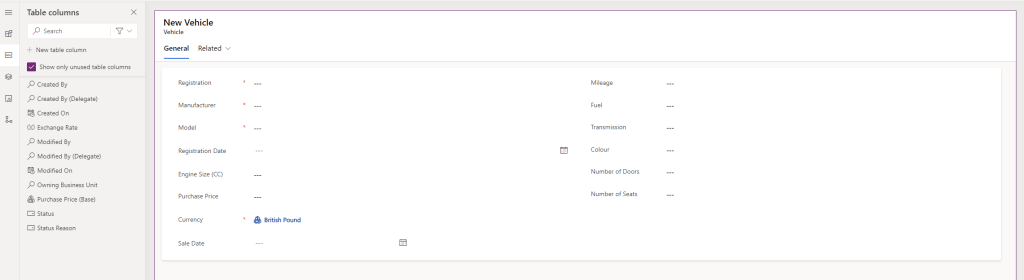
we also add the Currency column to the Vehicle Main form. Note that the default value is the environment currency (in my case, British Pound). Click Save and publish.
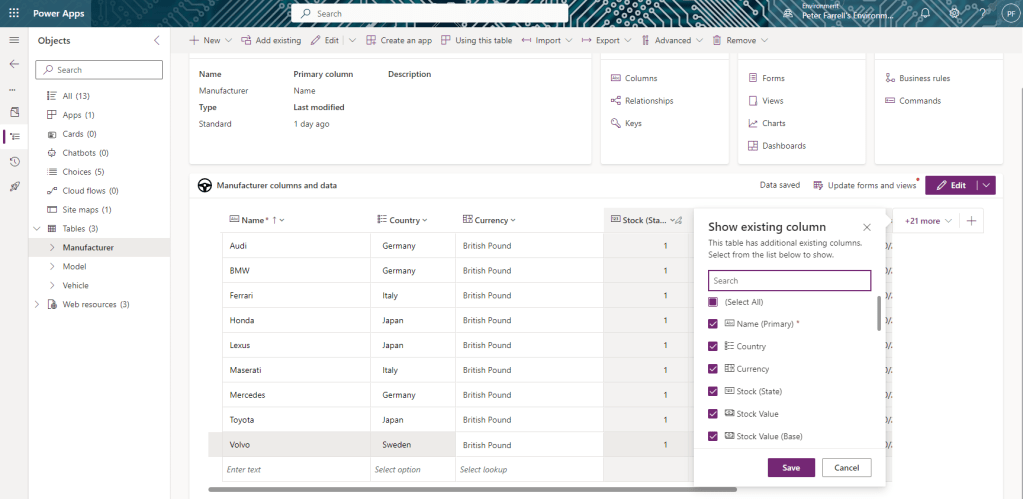
From the solution view, select Tables > Manufacturer in the side navigation. Click on the Edit button to display the chosen columns below. This screen will allow us to edit records on the fly, so we set the Currency value for each row to match (in my case, British Pound).
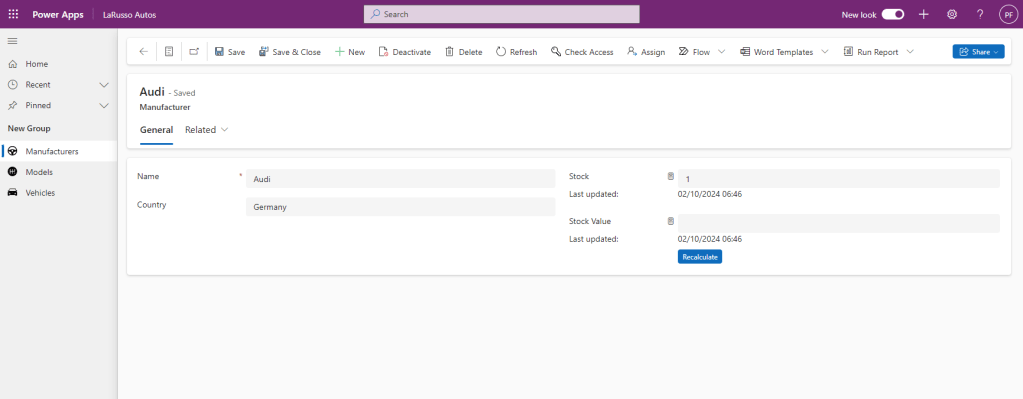
So now we have set the Currency at both the Manufacturer and Vehicle level. If we give our Rollup time, all figures will be calculated. Another option is to manually trigger the Rollup from the Manufacturer form by clicking the Recalculate buttons for each Rollup field.
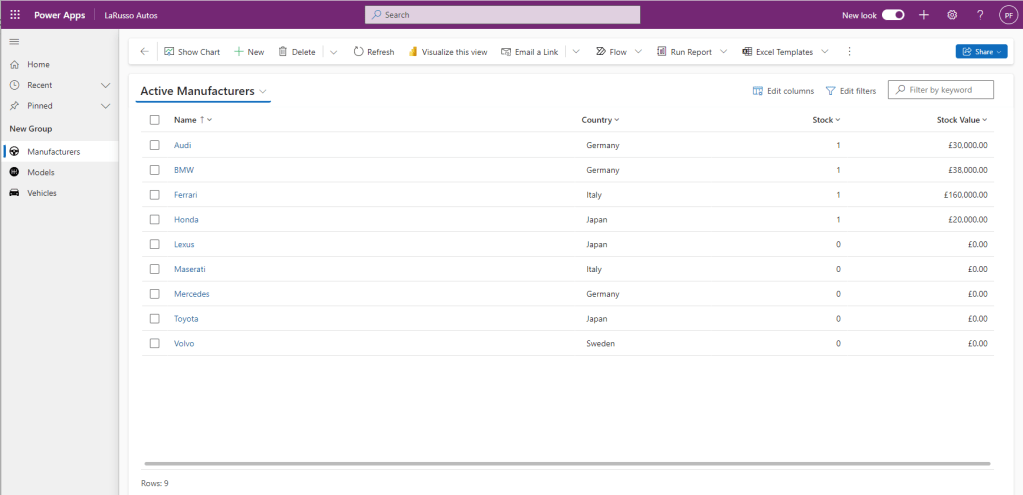
Eventually ,the Rollup fields are all calculated, and your Active Manufacturers view should look something like this.
 Power Platform Pete
Leave a comment